
How to invite?

Bring your people in
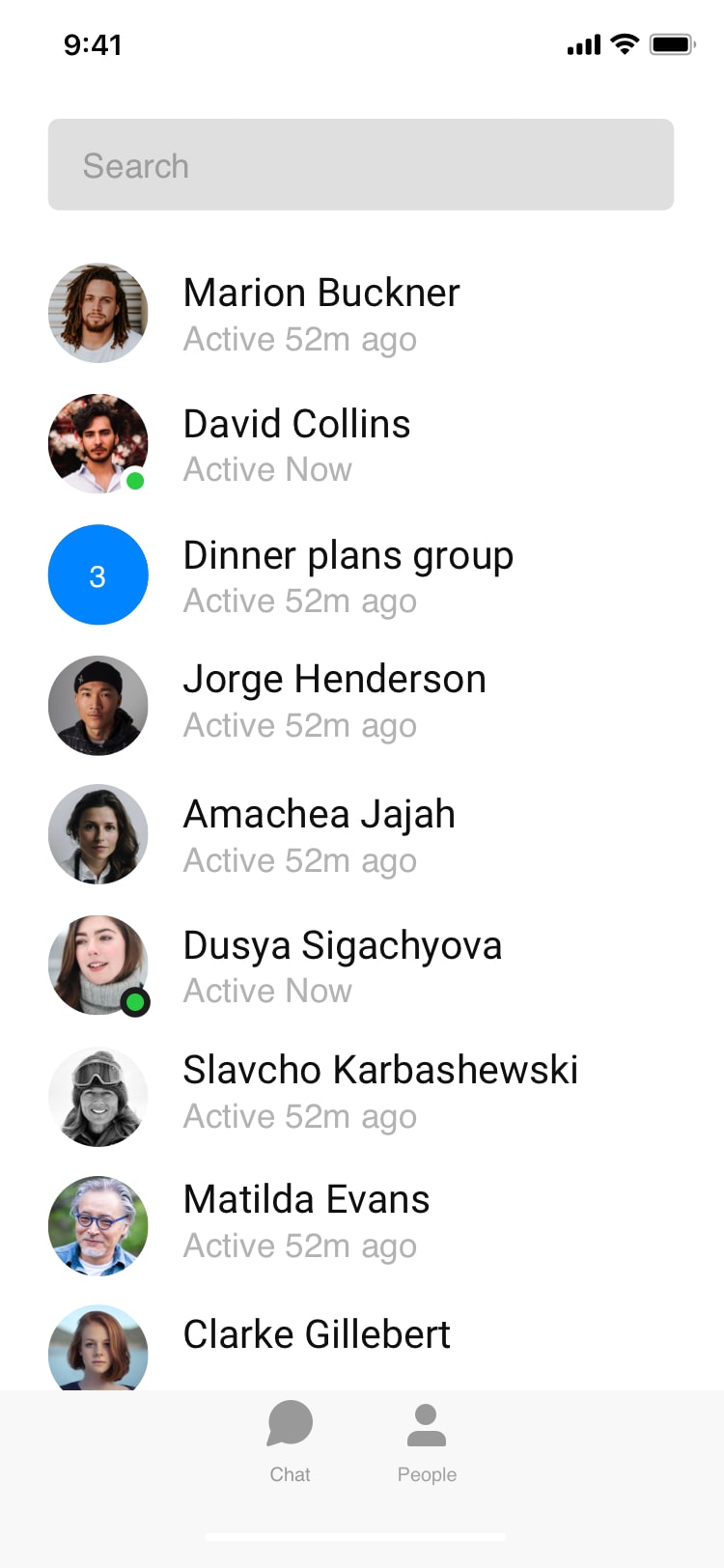
Shared spaces keep your team or family on the same page across plans, budgets, and tasks.
Send an invite
- Open the workspace you want to share and select Members.
- Tap Invite and enter an email address, or copy your invite link.
- Choose a role — Viewer, Editor, or Admin — and send.
Invitations never expire, there’s no limit on how many people you can add, and you can change or remove access at any time.
Tip: use the shareable link for larger groups and let people join with a single tap.
Not finding what you're looking for ?
Our team is here to help. Reach out and we will get back to you quickly.
Contact us