
Profile Picture?

Make it yours
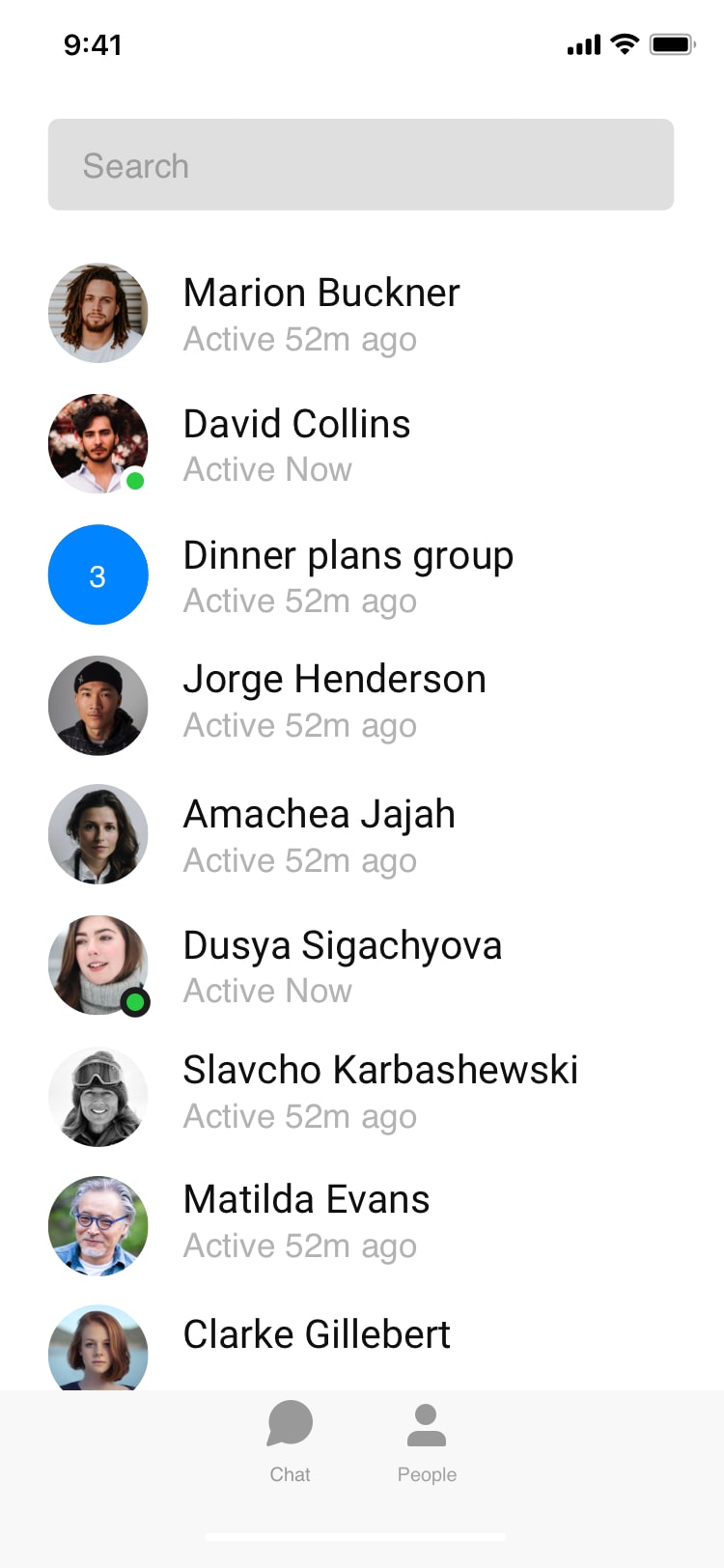
A profile photo helps teammates recognize you across shared workspaces and comments.
Add or change your photo
- Go to Settings → Profile.
- Select your avatar and choose Upload photo.
- Crop to fit, then save.
For the sharpest result, use a square image at least 400×400 pixels in JPG or PNG format.
No photo yet? We’ll show your initials on a colorful background until you add one.
Not finding what you're looking for ?
Our team is here to help. Reach out and we will get back to you quickly.
Contact us